For use with Flowol software program and FlowIC PIC chip, all supplied by Kelvin

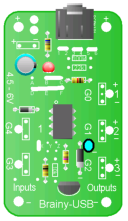









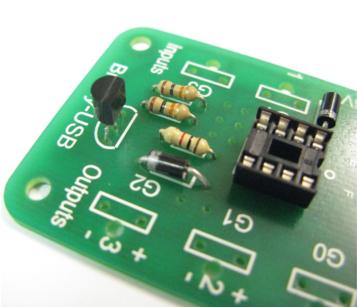
Add transistor with flat side
facing towards the top.
(also see photo below).
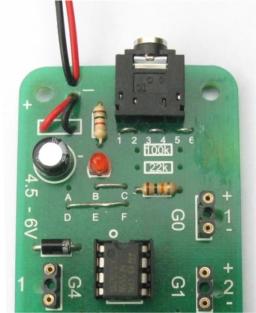
Add battery clip - red wire to +
(see photo below for detail)

Transistor
Add transistor and chip
Battery clip
Battery
holder
Close up
Close up

Chip must have
notch facing
top
NOTE
You will
have 2 extra
resistors
this is normal
as this kit
is multi-
purpose
use
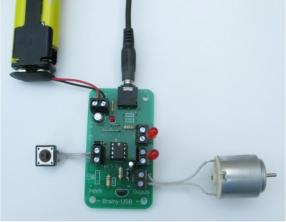

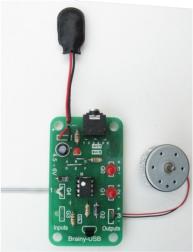
Add input and outputs
Either solder input and outputs as shown
in stage 10 or you can solder screw connectors as
shown above and then add switch for input, two LEDs
for output and one motor as shown.
MOTORS
Motors must be connected to output 3 because
they require more power. The transistor provides
this power and also protects the PIC chip from damage.
READY TO PROGRAM


Also see separate instructions for this -
You will need
1) 4 x AA batteries placed the correct way round in
the battery holder.
2) Flowic USB lead to download your program
3) Computer with Flowol 3 software program.